

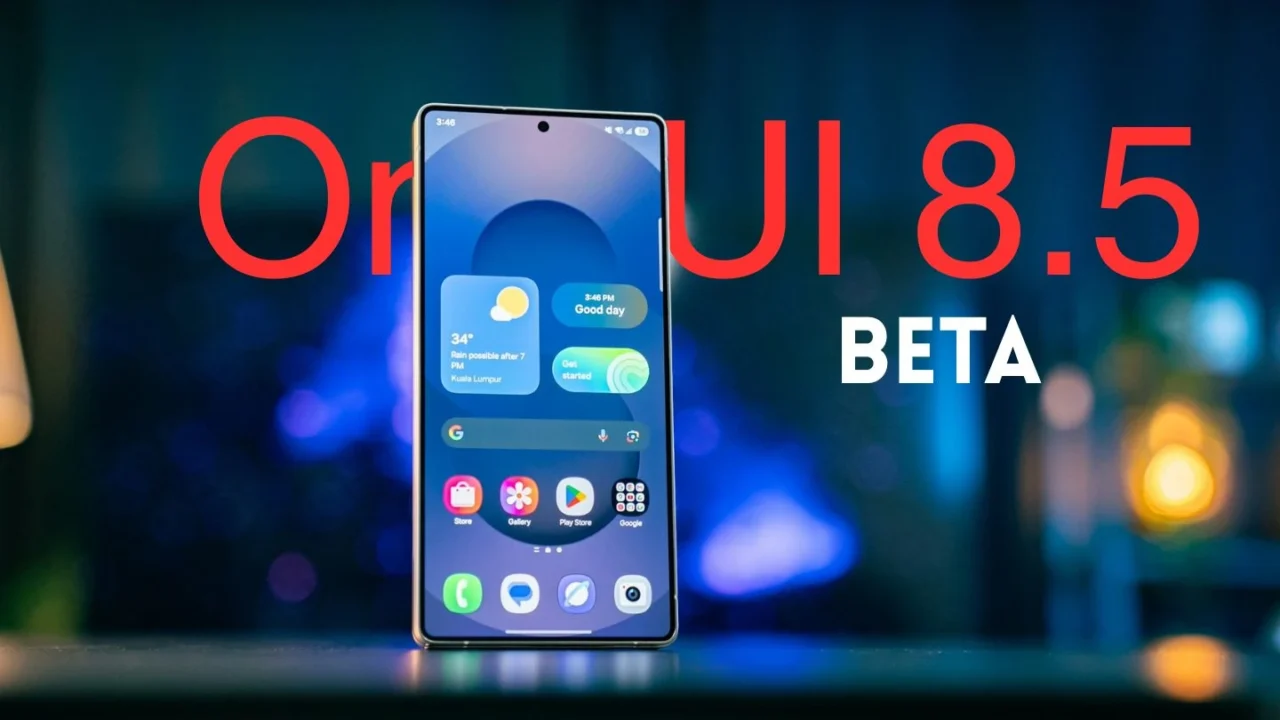
After months of internal testing and several online leaks, Samsung has finally kicked off the One UI 8.5 beta program. The first devices to receive the beta update are the Galaxy S25, S25+, and S25 Ultra. The rollout is currently limited to select markets such as the US, the UK, India, Germany, South Korea, and Poland.
How to join the One UI 8.5 beta program
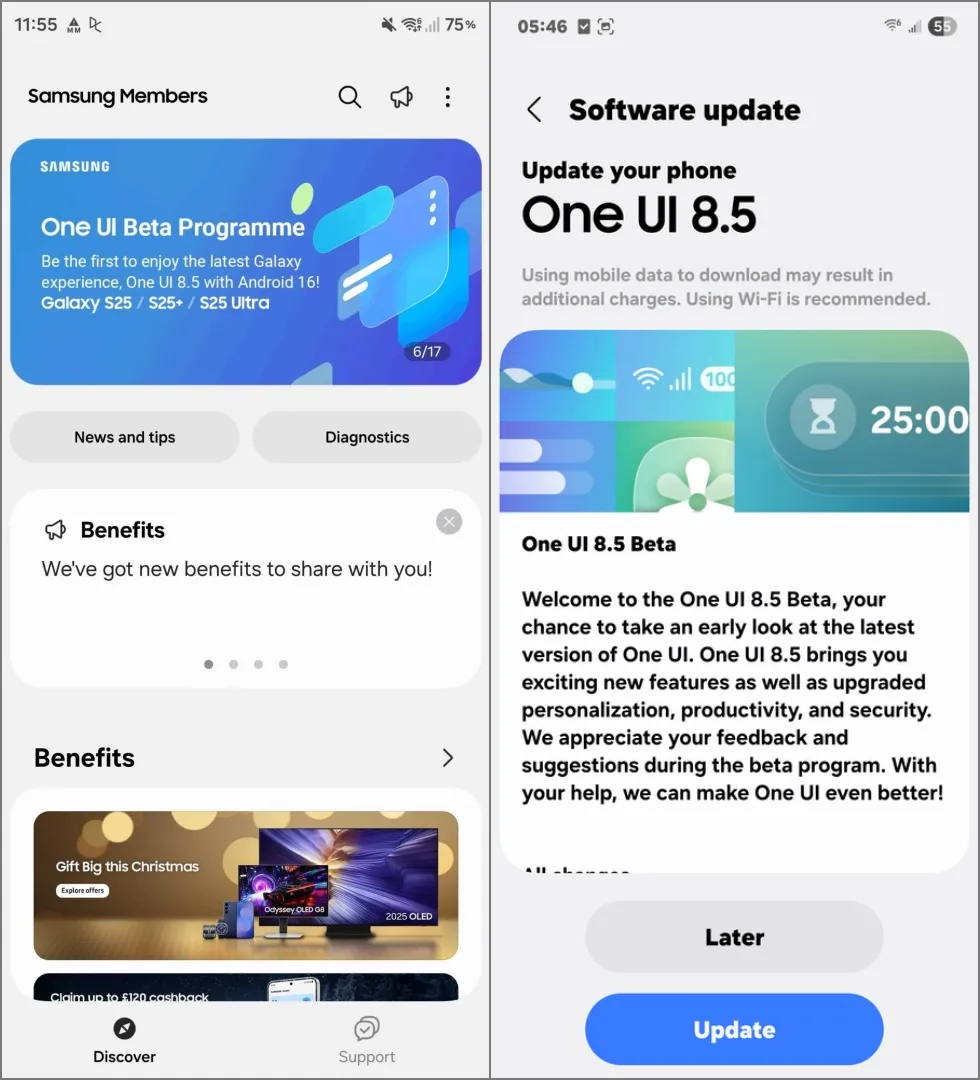
If you own one of these devices in a supported region, you can join the beta through the Samsung Members app. You can download it from the Play Store if you haven’t already. Once you’ve registered with your Samsung account, head to Settings > Software update > Download and install to grab the One UI 8.5 beta update.
What’s new in One UI 8.5
- New UI Design: One UI 8.5 refreshes Samsung’s design language with pill-shaped floating bars across many apps, giving the interface a cleaner and more modern feel.
- Customizable Quick Panel: You can now personalize the Quick Panel completely. Rearrange, resize, add, or remove toggles with just a few taps.
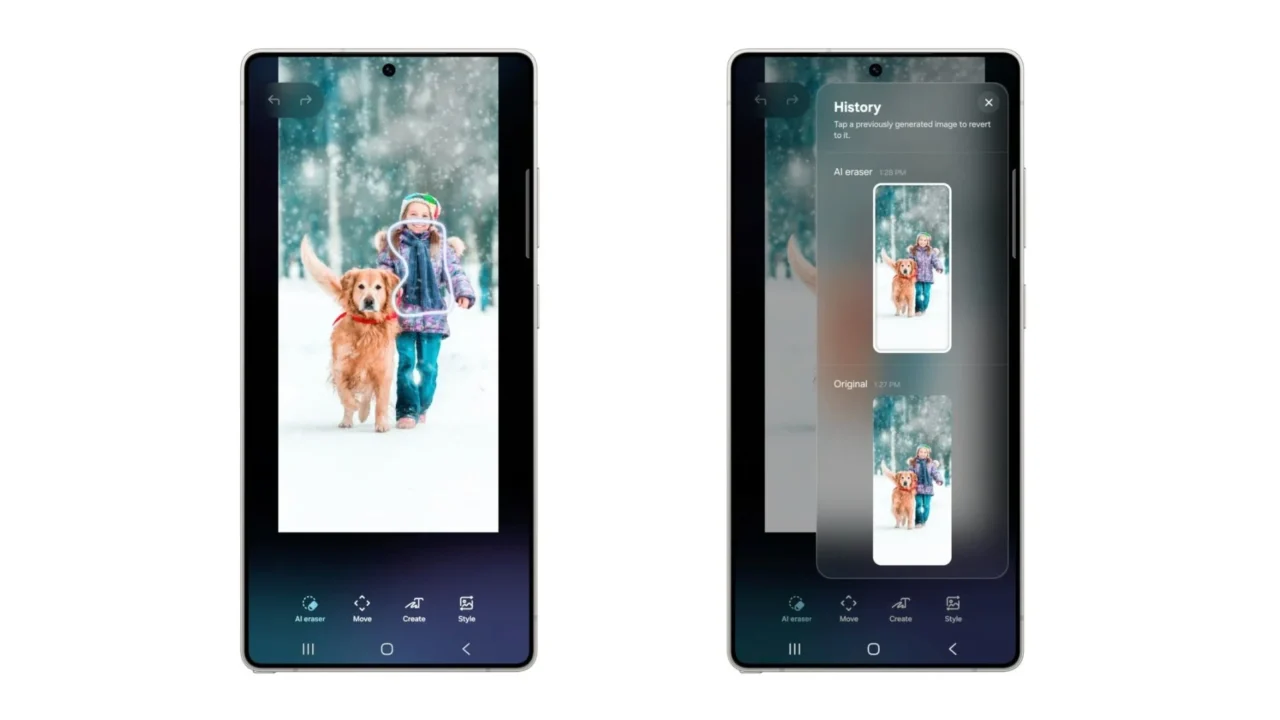
- Photo Assist: You can now generate and edit images continuously without saving each step. All versions appear in the edit history, making it easy to pick your favorites later.
- Enhanced Adaptive Clock: The lock-screen clock can now adapt to almost any object in the wallpaper, not just people or animals.
- Enhanced Quick Share: Quick Share recognizes people in your photos and suggests sending images directly to them for faster, more intuitive sharing.
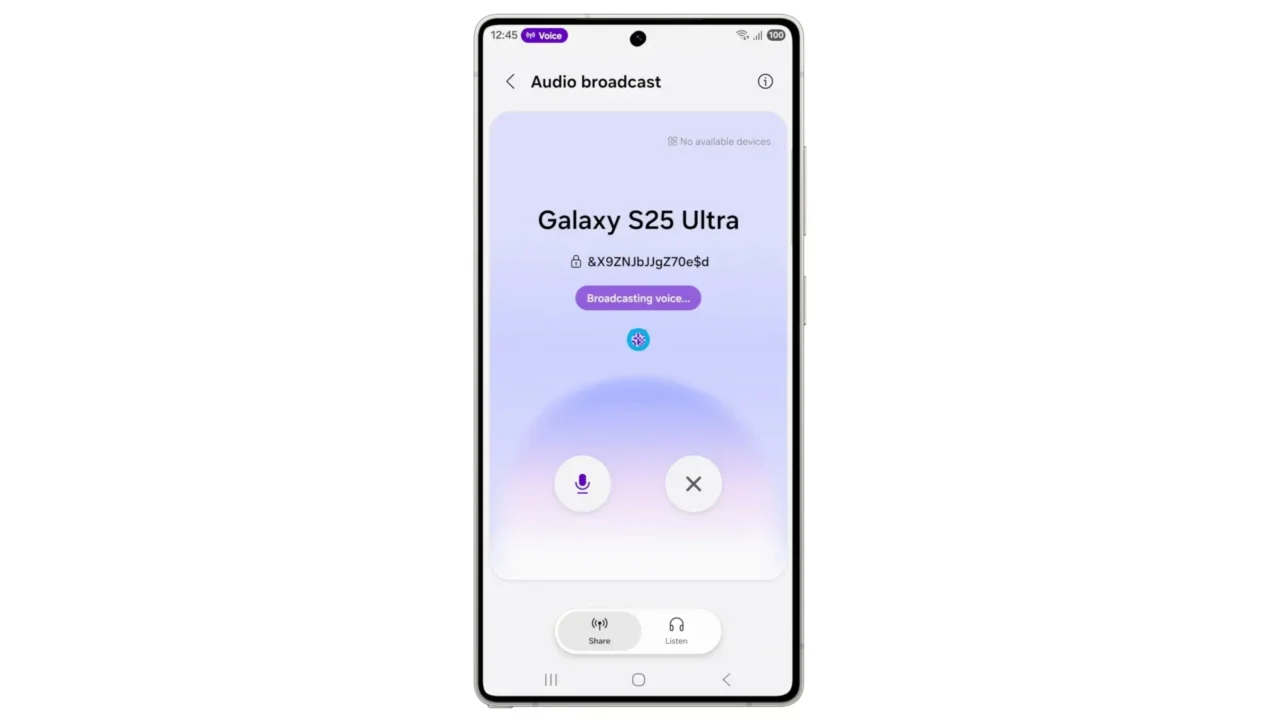
- Audio Broadcast: Broadcast media audio or even your voice to nearby LE Audio–supported devices, useful for tours, group activities, or shared listening.
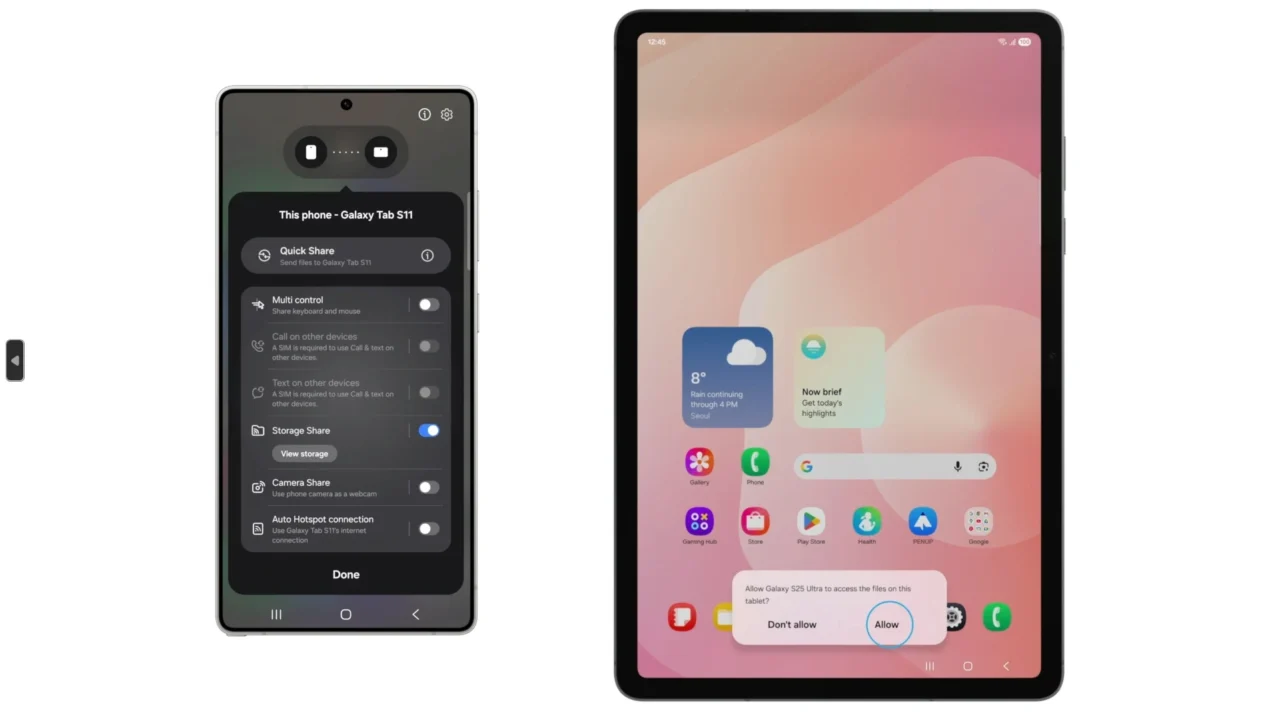
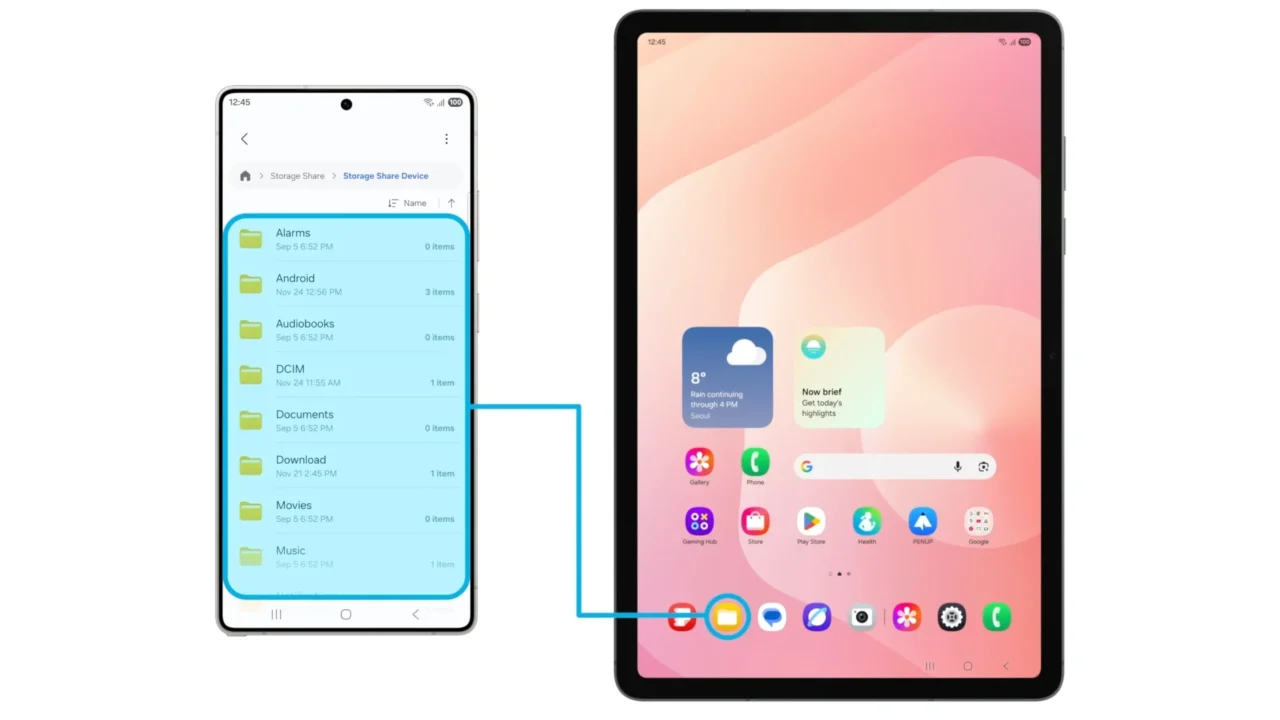
- Storage Share: View and access files from other Galaxy devices (including tablets, PCs, and even your TV) directly in the My Files app, making cross-device storage feel seamless.
When will other Galaxy models and regions get the One UI 8.5 beta
Samsung hasn’t shared a roadmap for when the beta will be available for other Galaxy devices, but users can expect the Galaxy S24 series and the Z Flip/Fold 7 to receive the One UI 8.5 beta in the coming weeks or next month.
As for expansion to additional regions, that appears unlikely. Based on Samsung’s previous track record, the beta program will probably remain limited to the regions already mentioned.
We’ll continue tracking the One UI 8.5 beta rollout. As more Galaxy devices become eligible, we’ll let you know. Stay tuned.