

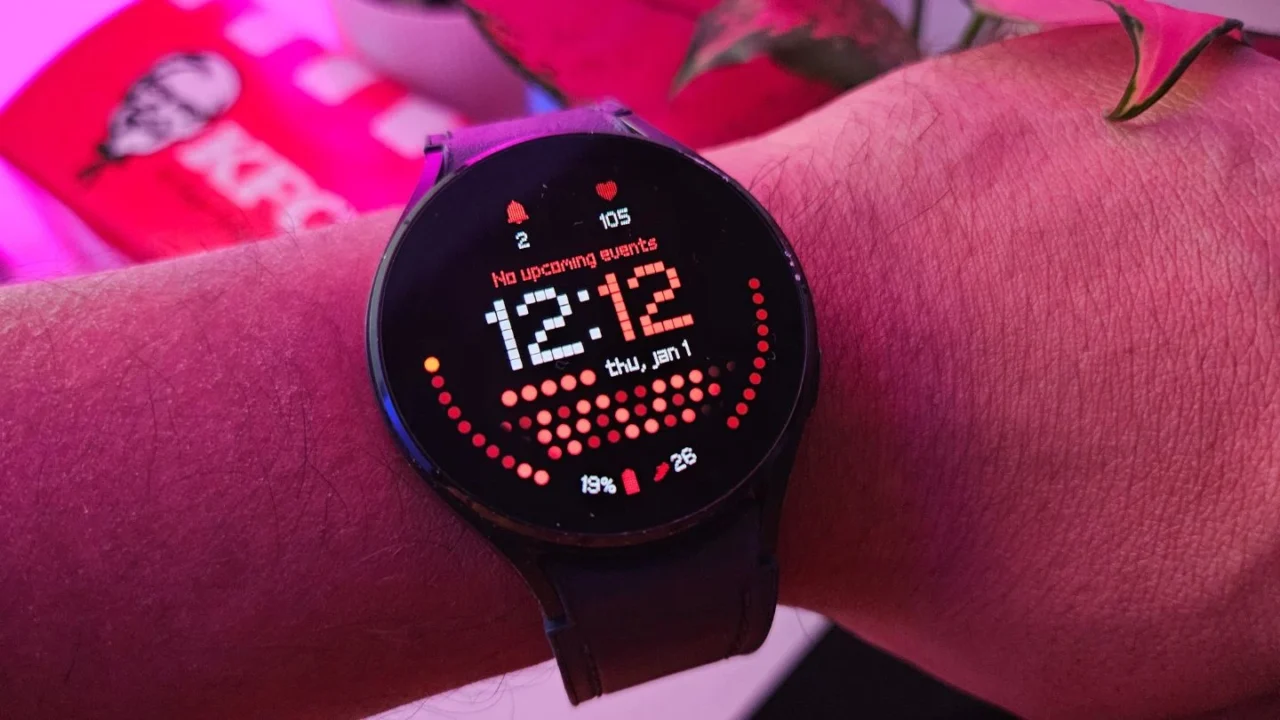
If you’re excited to install the One UI 8 Watch update on your Galaxy Watch, you might want to hold off for now. Many users have reported that after updating to One UI 8 Watch, they began experiencing problems such as excessive battery drain, sensor malfunctions, and noticeable software lag.
These issues are not limited to a single Galaxy Watch model. One Reddit user posted a video showing their Galaxy Watch 5 lagging badly after installing the latest One UI version. A Galaxy Watch 7 user also shared a similar experience.
And if you own a Galaxy Watch 4 series model, the situation appears even worse. Samsung recently began rolling out the One UI 8 Watch update for this lineup, which is expected to be the final major software update the device will receive.
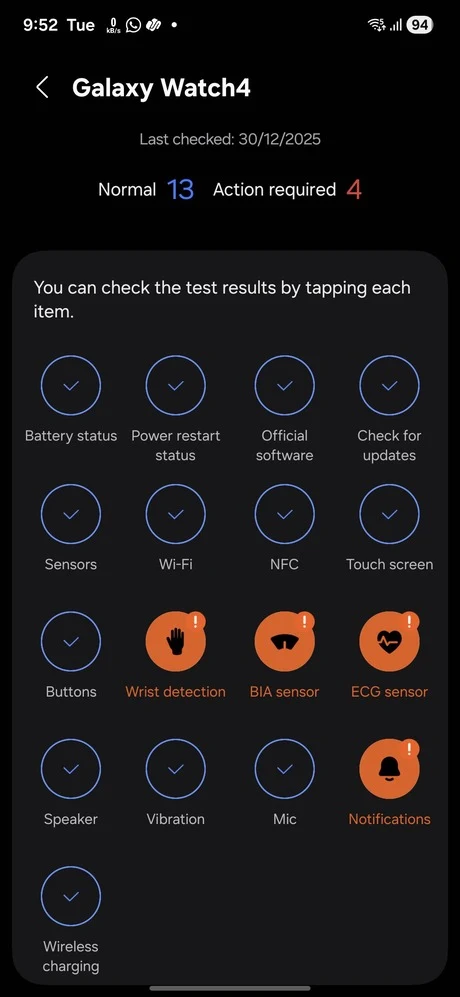
Shortly after the rollout, several users reported that their Galaxy Watch 4 failed to detect when it was being worn. On top of that, key sensors like ECG and body composition (BIA) also stopped working, which caused core health features, including sleep tracking, to stop functioning.
The situation becomes even more frustrating if you have a PIN set on your watch. Because the GW wrongly assumes it’s off your wrist, it constantly locks itself.
Samsung has not yet formally addressed these ongoing issues affecting the Galaxy Watch 4 and Watch 4 Classic. However, a report from Digital Trends claims that Samsung has paused the One UI 8 Watch rollout for the Galaxy Watch 4 series.
For now, it’s best to read user feedback and online reviews before updating to One UI 8 Watch, especially if you own a GW 4. If you have already updated, waiting a few weeks may be the smarter move, as Samsung could release a follow-up update with fixes.
I recently updated my own Galaxy Watch 4 (Indian variant) without realizing the update was reportedly riddled with issues. Fortunately, I haven’t faced any problems so far. To be safe, I also ran the built-in diagnostics to check whether all the sensors were working properly, and everything appears to be functioning as expected.

This suggests that the update experience isn’t the same for everyone. While several users are running into serious problems, others report that their Samsung watches continue to work normally even after installing the One UI 8 Watch update.
That said, some users who did encounter issues claim they were able to fix them by simply restarting or resetting their GW. One Reddit user mentioned that disabling the Always On Display (AOD) feature helped resolve lag problems.
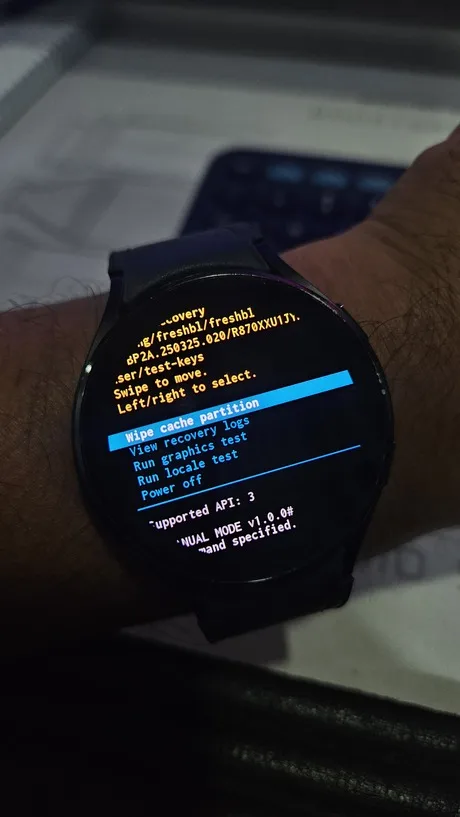
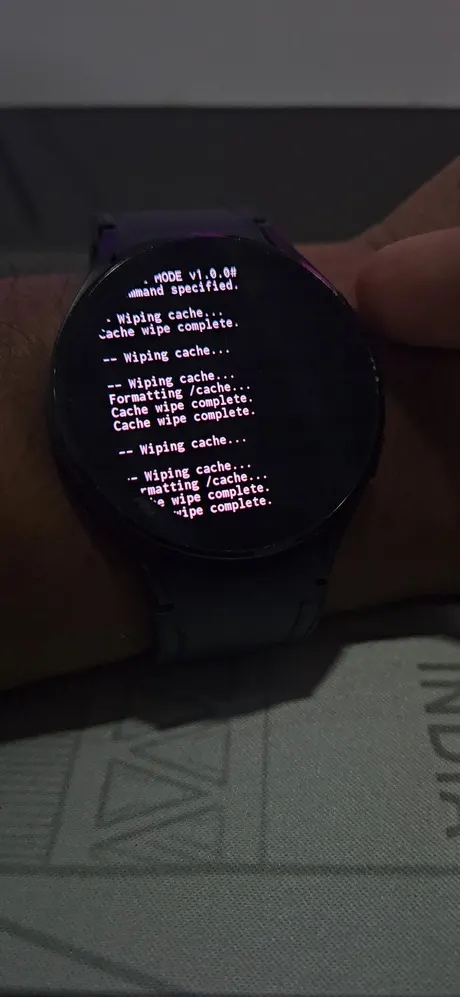
Others turned to a more advanced solution, clearing the cache partition to address battery-related issues. A step-by-step guide for this method can be found on the Samsung Community forum.
It’s disappointing that after months of waiting, Samsung fans were greeted with an update that introduced bugs affecting core features. Hopefully, Samsung will address all known issues and deliver a stable fix in the next update.