

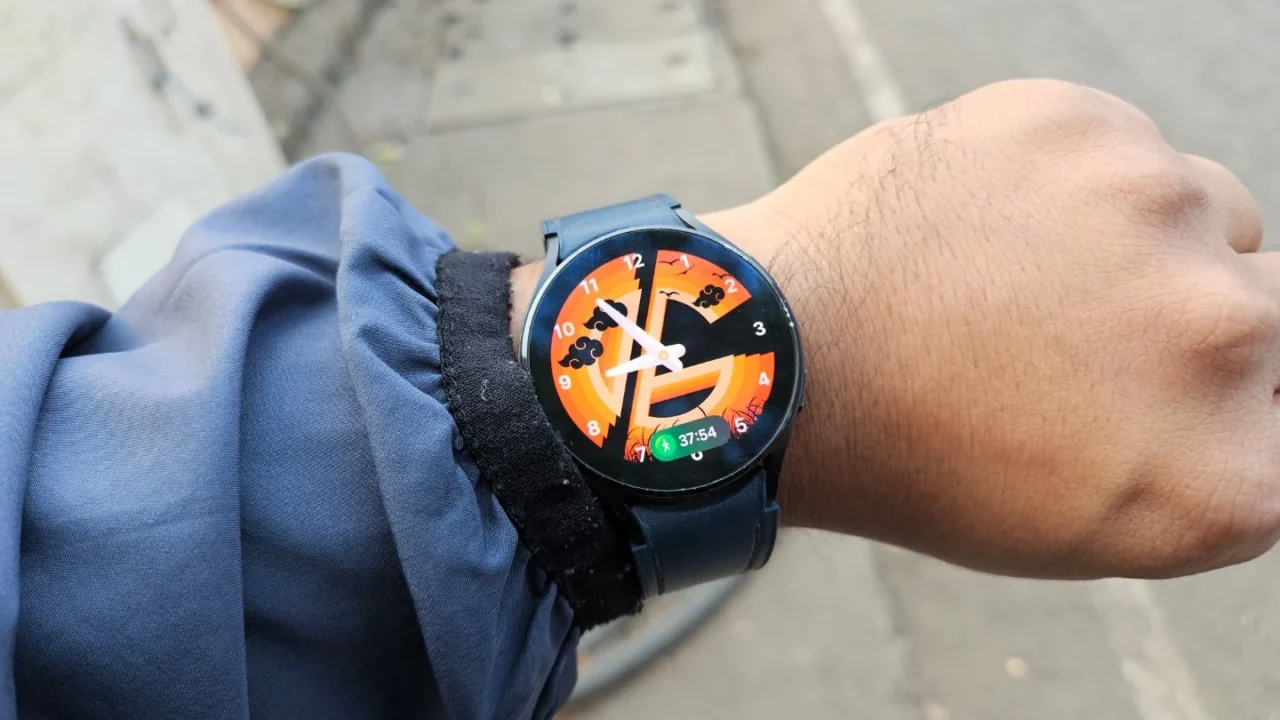
In December 2025, Samsung officially began rolling out the One UI 8 Watch update for the Galaxy Watch 4. This also happens to be the final major update the device will receive. Since the rollout was phased, I had to wait several days before the update finally reached my Galaxy Watch 4.
Once it arrived, I didn’t waste any time and immediately hit the download button. After the installation was complete, I started exploring the new features and checking overall performance.
Fortunately, I didn’t face any performance issues on my unit, which wasn’t the case for many other Galaxy Watch 4 users who reported problems like lag, sensor failures, and excessive battery drain.
Now that I’ve been using the watch for over a week, here’s a list of things I like and dislike about the new One UI 8 Watch update.
What I like
1. New app drawer
The first thing that caught my eye was the redesigned app drawer. Compared to One UI 6 Watch, which used a hexagonal-style layout, One UI 8 Watch introduces a much cleaner grid-style app drawer.
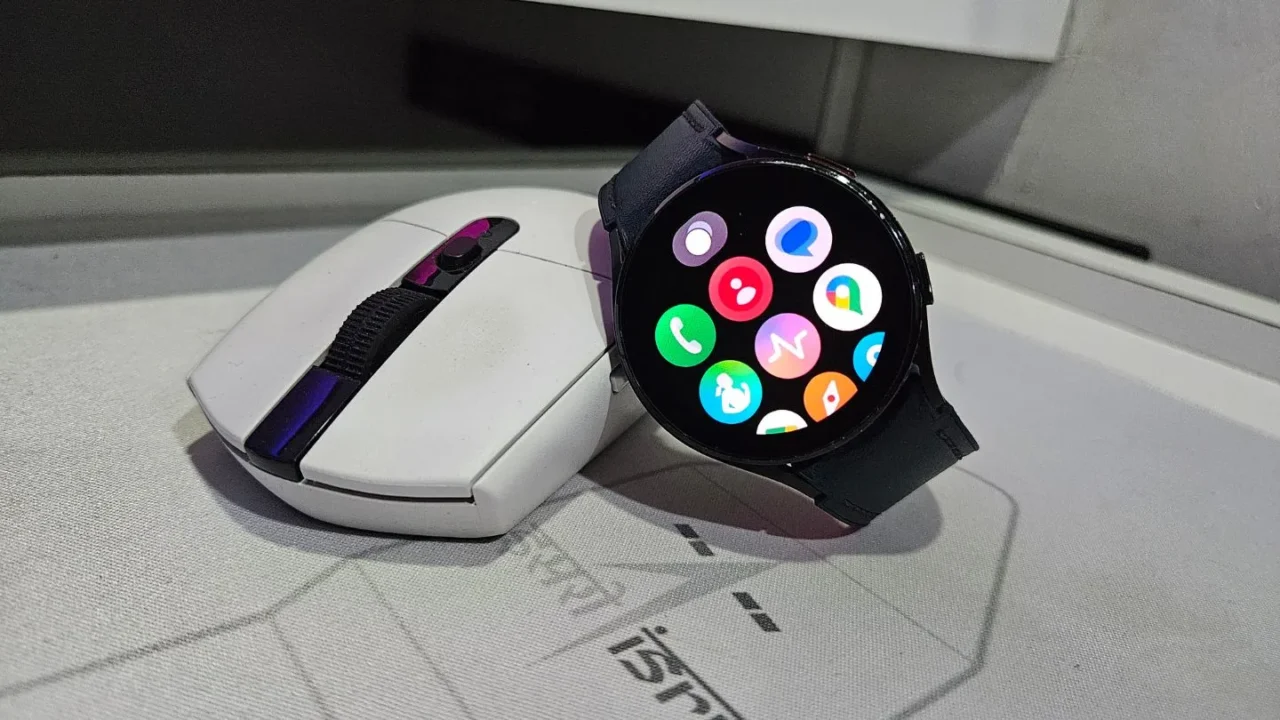
Even if Samsung had stuck with the older design, I wouldn’t have minded, but this is still a welcome change. Samsung also gives you the option to switch to a list-style app drawer. While the list view looks fine, I personally prefer the grid view since it lets me see all my apps at once.
I also appreciate the subtle design touch where recent apps now fill the empty space at the top, making the layout feel more complete.
2. Now Bar
The Now Bar is easily one of the best features of One UI 8 Watch. I can’t overstate how much time and how many taps it saves. It shows Live Activities at a glance, which makes a huge difference in daily use.
When my GW 4 was running One UI 6 Watch, every time I went jogging, I had to tap the tiny running icon at the bottom just to check how long I’d been running. Now, with the Now Bar always visible, I can see my workout duration instantly in a pill-shaped display.
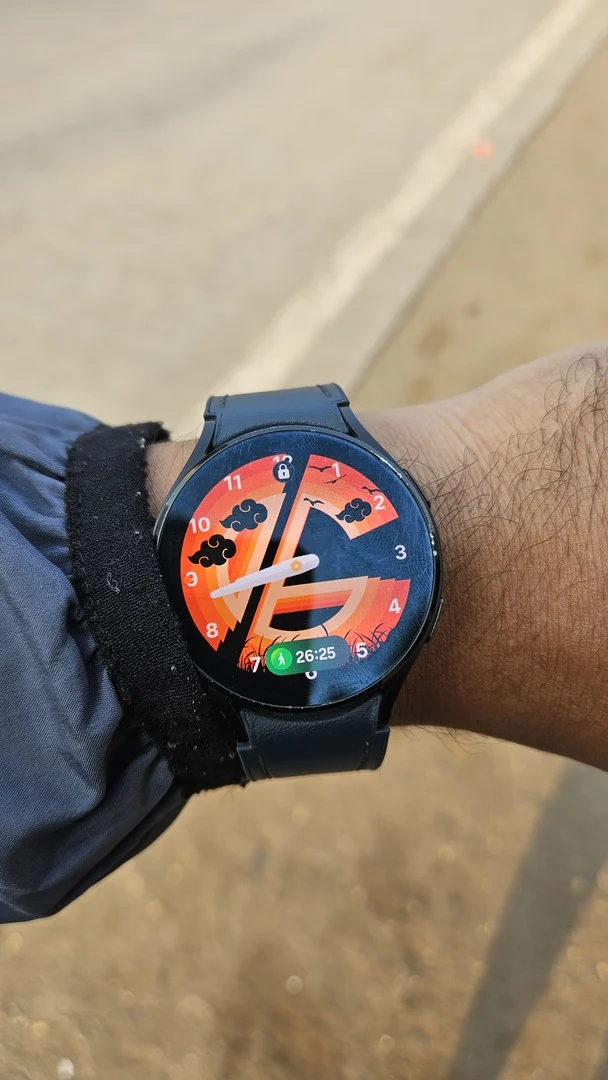
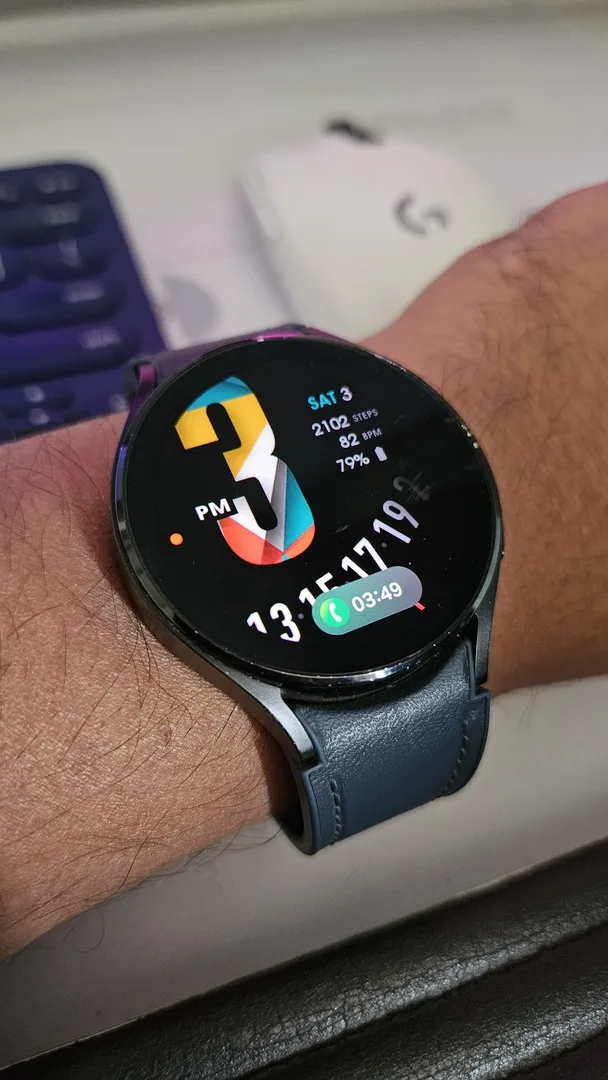
The Now Bar also supports other apps like Phone, Stopwatch, and Timer. And if you’re not a fan of the feature, Samsung lets you turn it off by setting each supported app to show “Icon only.”
3. Medication
I discovered this feature just a couple of days ago, and after understanding how it works, I’ve been using it daily. The idea is simple. You add the name of any medicine you take regularly or occasionally, and your Galaxy Watch and phone remind you at a set time.
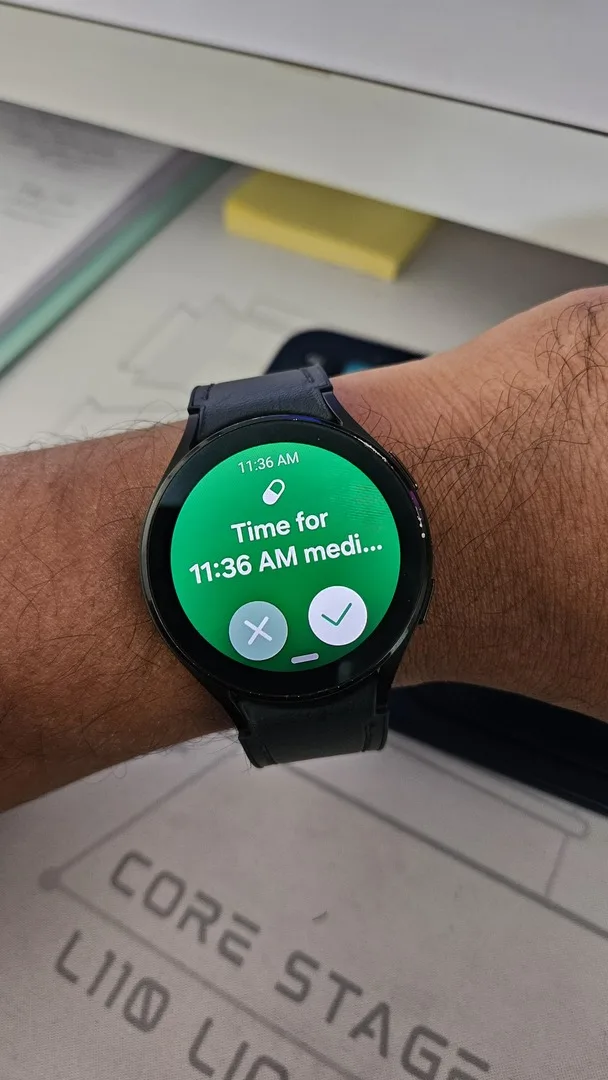
I usually take multivitamins and biotin tablets, but there are days when I forget, especially since I don’t have a fixed schedule. That’s why I added both medicines to the Medication feature in the Samsung Health app, selected the days I take them, and set reminder times.
Another great addition is the ability to track how many pills you have left. Once you’re close to running out, your Galaxy Watch sends a refill reminder, which is genuinely useful.
4. New battery charging animation
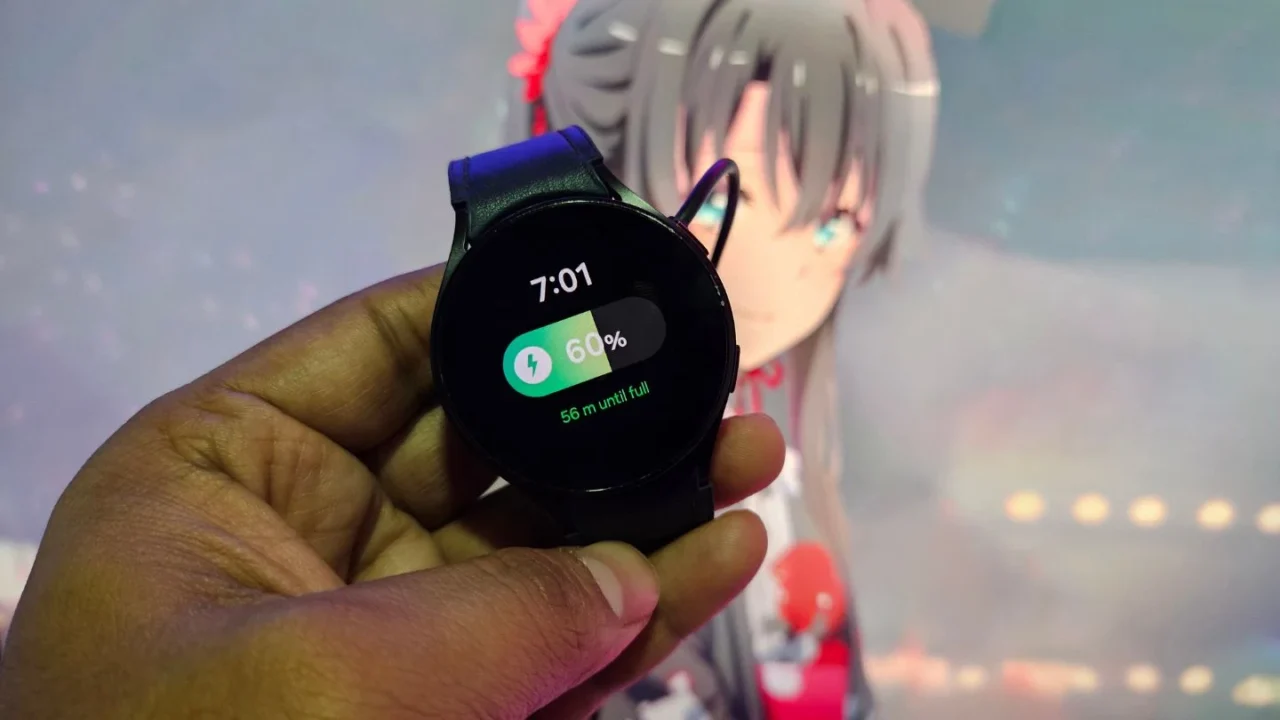
One UI 8 Watch introduces a new charging animation that looks similar to the pill-shaped charging animation found on Galaxy phones. It’s a small change, but it helps make the UI feel more consistent across Samsung’s ecosystem.
5. Exporting watch designs
I recently began designing my own watch faces for Galaxy Watches, but testing them was an issue. My Galaxy Watch 4 was still on an older Wear OS version, while my project required features introduced with One UI 8 Watch and its Wear OS 6 base.
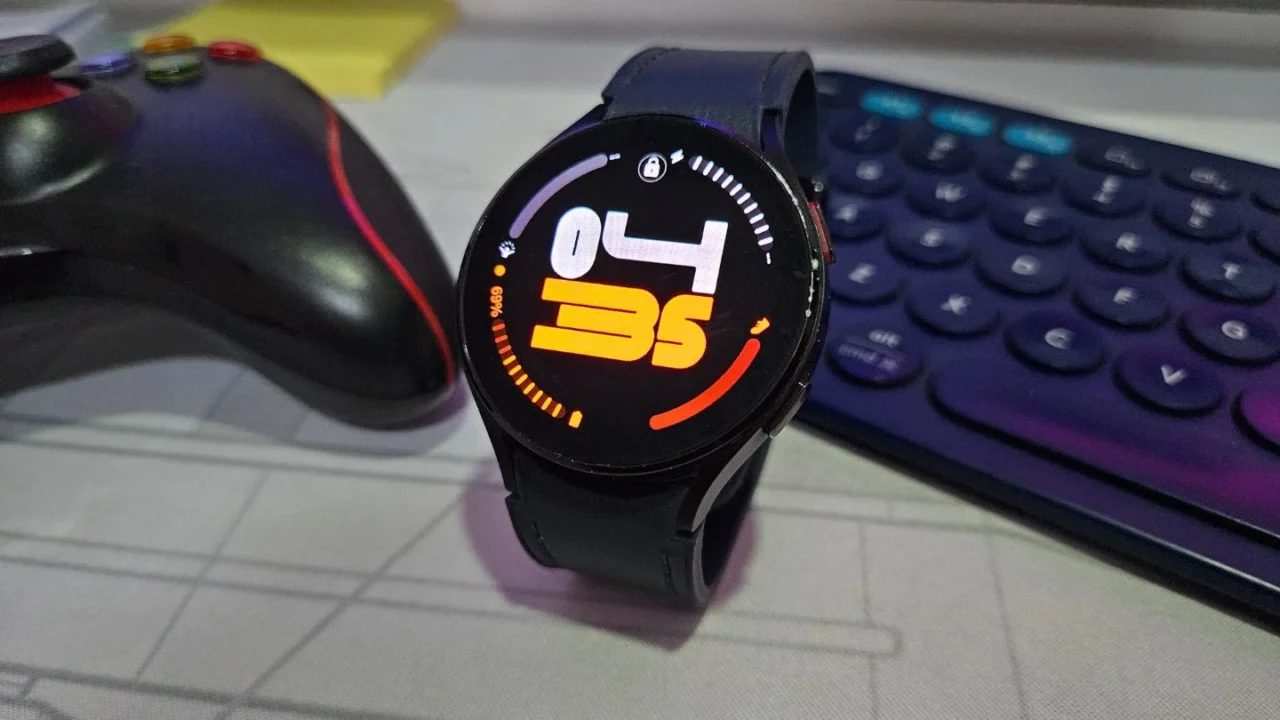
That was actually my main reason for eagerly waiting for the One UI 8 Watch update. As soon as the update landed, I exported my new watch face to my GW 4, and it worked perfectly.
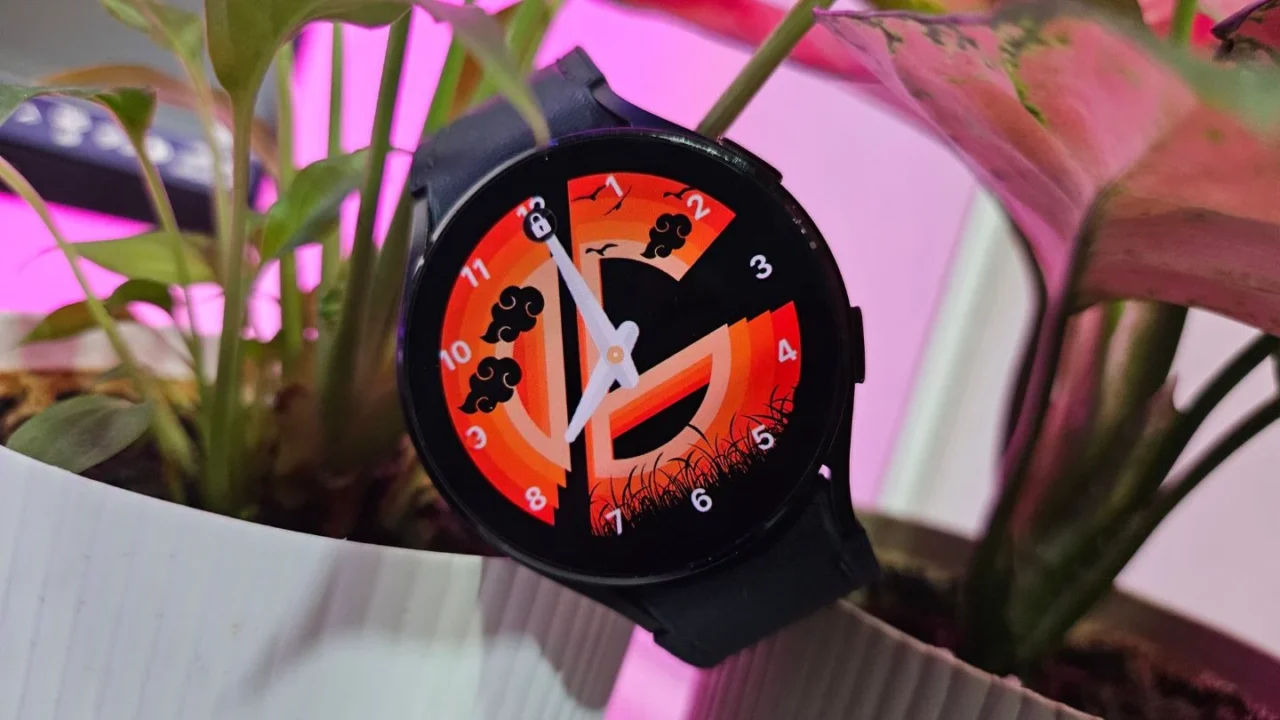
This is the very first watch face I’ve created. I know it doesn’t look amazing yet and still needs a lot of work, but I wanted to test it before committing seriously. Once I publish my first watch face on the Google Play Store, I’ll definitely share the details.
What I hate
1. Redesigned Tiles
The Tiles interface in One UI 8 Watch has been completely redesigned. You can now combine multiple widgets into a single custom Tile based on your preferences, activities, or events.
While Samsung’s intention was good, cramming so much information into one screen has hurt the overall aesthetic. Previously, each Tile displayed a single full-screen widget, which looked cleaner and was much easier to read. Now, Tiles feel more like stacked widgets squeezed into a limited space.
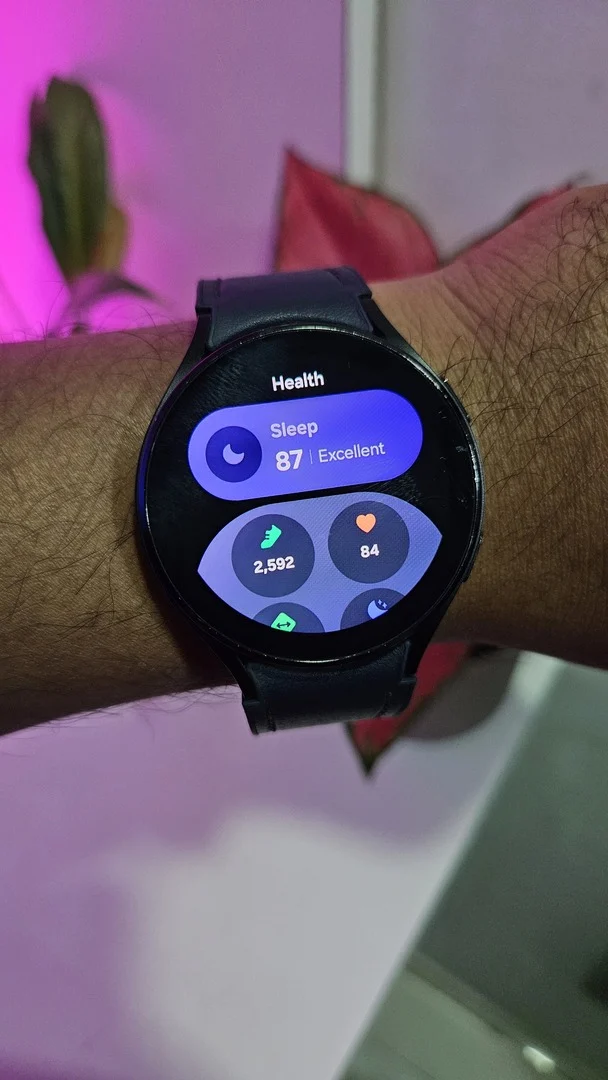
This wouldn’t have bothered me as much if Samsung had at least offered an option to keep a single widget in full-screen mode, switching to pill-shaped stacked widgets only when the user adds more.
The worst part is that even if Samsung fixes this design in a future One UI Watch update, Galaxy Watch 4 users like me won’t benefit, since this is the final update for the device.
2. New watch faces
This is purely subjective, and I know some people may disagree, but the new watch faces introduced in One UI 8 don’t really appeal to my taste. Samsung has added a decent variety, ranging from minimal designs to information-heavy layouts, but none of them stood out or felt particularly exciting to me.
As the final major update for the Galaxy Watch 4, One UI 8 Watch feels both exciting and bittersweet. There are features I’ll use every single day, especially the Now Bar and health-related tools, but there are also changes I wish Samsung had handled differently. Even so, this update keeps the Watch 4 feeling usable in 2026, and for now, that’s enough. I’ll continue using it and see how it holds up in the long run.