

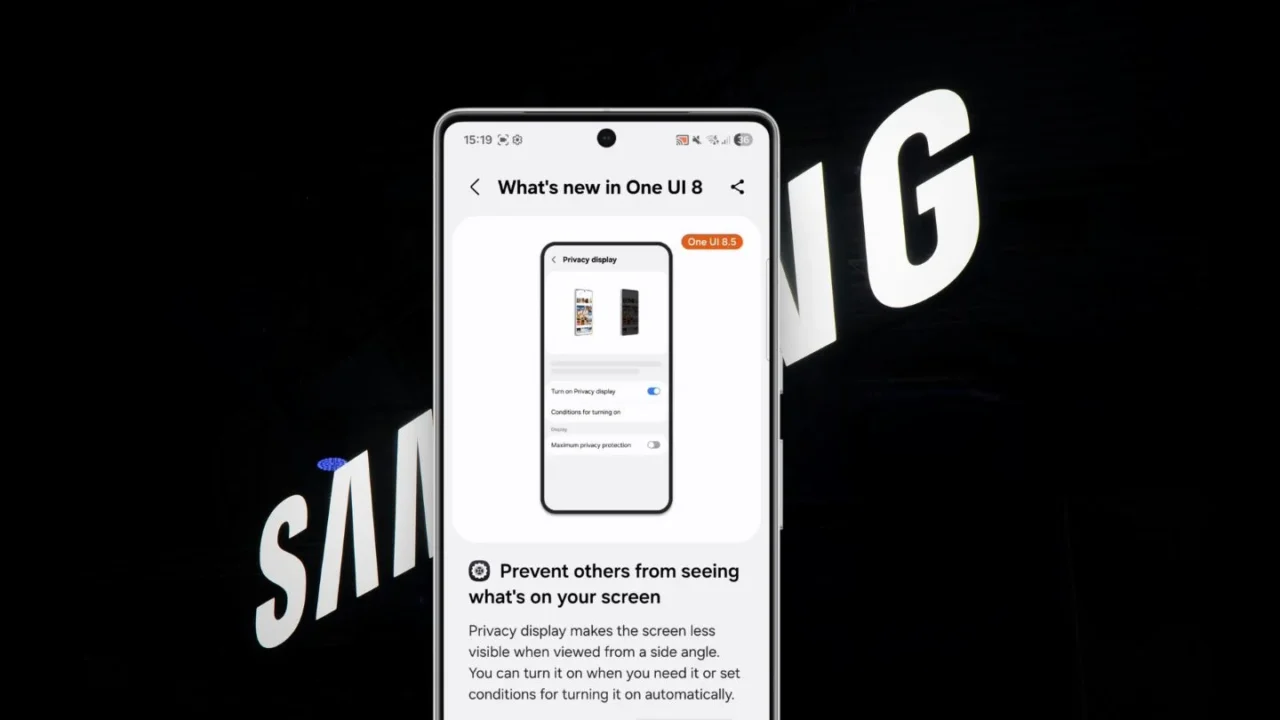
Have you ever felt annoyed when someone sitting next to you in the office, on public transport, or even in a movie theater casually peeks at your phone screen while you’re using it?

It appears Samsung already has a solution for that, and it’s expected to debut with the Galaxy S26 Ultra. A new feature called Privacy Display in One UI 8.5, spotted by the folks at SammyGuru, makes it harder for others to view your on-screen content from side angles. When enabled, the display intelligently dims or darkens when viewed from the top, bottom, or sides.
The feature was first spotted by Android Authority last year within the One UI 8.5 code. At the time, it was unclear how it would actually work. Now, we finally have a fully working demo tutorial, pulled directly from Samsung’s Tips app, giving us a clearer picture of what to expect.
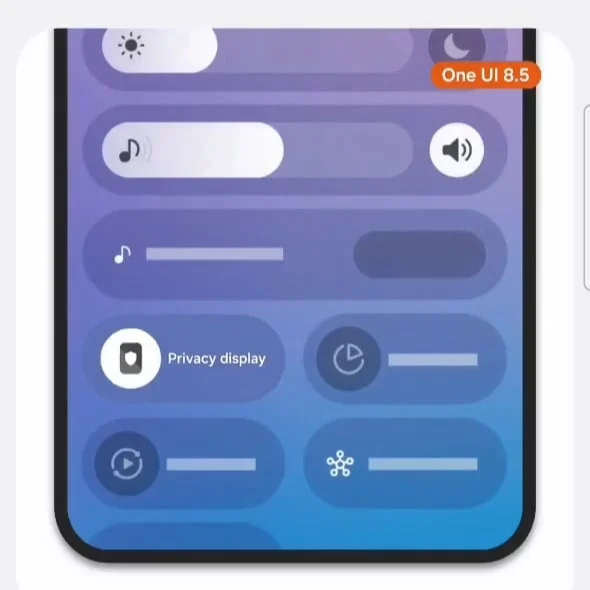
The Privacy Display feature can be found under the Display section in the Settings app. It can also be toggled on or off directly from the Quick Panel. Samsung even allows users to automate it by setting up conditions in the “Conditions for Turning On” section.
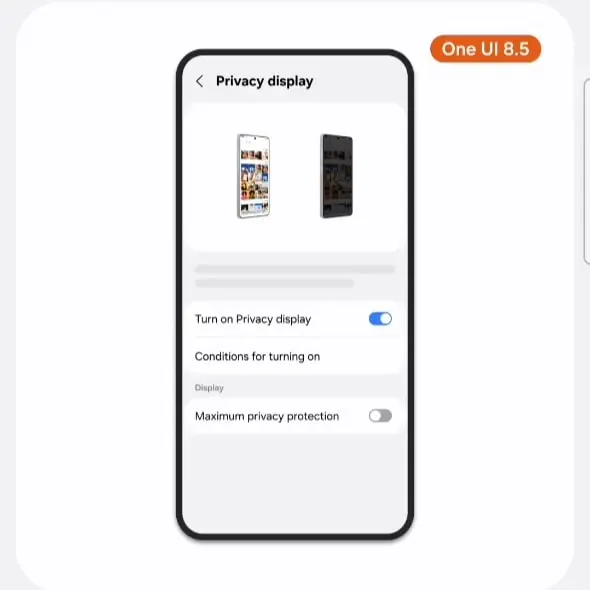
For example, you can configure it to automatically activate when you leave home and turn off once you return. You could also enable it for specific scenarios, such as while using sensitive apps like banking apps, entering a PIN, or reading private messages.
How does the Privacy Display feature work?
Privacy Display is not just a software trick. It also relies on Samsung’s latest OLED display technology, known as Flex Magic Pixel. On top of that, AI is used to dynamically adjust the screen’s pixels based on the viewing angle, making the content harder to see for anyone not looking at the screen straight on.
According to multiple reports, this new display technology is expected to debut with the Galaxy S26 Ultra. That said, there is still no confirmation on whether the standard Galaxy S26 or the larger S26+ will receive the same upgrade.
How is it different from a privacy screen protector?
I came across several comments on X (formerly Twitter) where users questioned the need for a Privacy Display feature when privacy screen protectors are already available at affordable prices.
The biggest advantage here is flexibility. Unlike a physical privacy screen protector, Samsung’s solution can be turned on or off whenever you want.
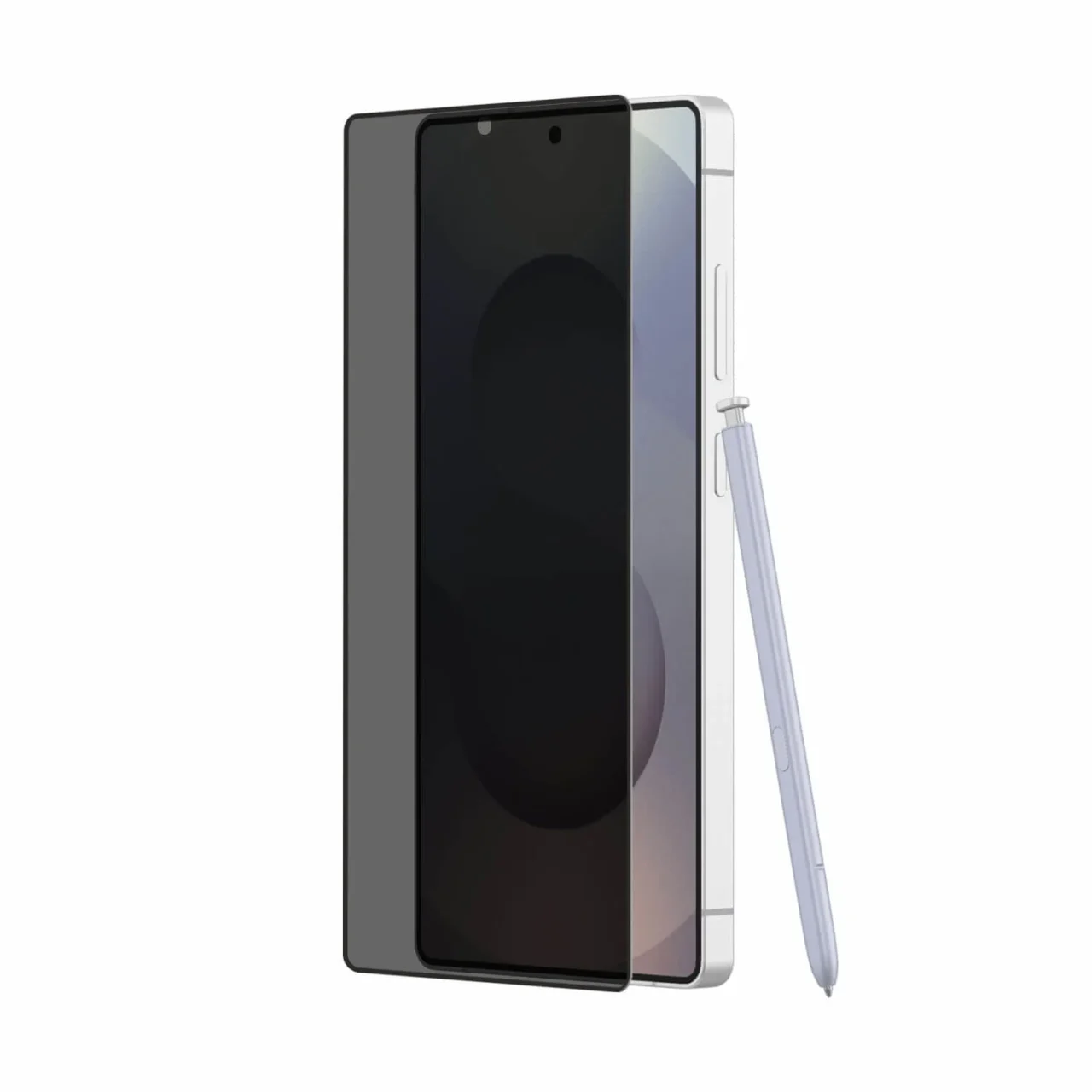
From personal experience, privacy screen protectors often hurt the overall user experience. Even a slight tilt can make the screen hard to see, which becomes frustrating during regular use. And if the screen protector does not include a proper camera cutout, it can also interfere with photo quality.
It remains to be seen how well Samsung executes this Privacy Display feature and, more importantly, how the head-on viewing experience feels when the feature is enabled.
We may not have to wait long to find out. Samsung is expected to reveal more details at its upcoming Galaxy Unpacked event next month, where the Galaxy S26 series is likely to make its official debut.