
Gadget LivGadget Liv
  • Galaxy Phones
  • Galaxy Watch
  • Samsung TV
  • One UI
Gadget LivGadget Liv
Search
  • Galaxy Phones
  • Galaxy Watch
  • Samsung TV
  • One UI
Follow US
  • Sitemap
  • About
  • Contact
  • Privacy Policy
  • Editorial Policy
One UIGalaxy PhonesNews

Galaxy S25 series starts receiving stable One UI 8 update

Rahul Rai
Last updated: September 15, 2025
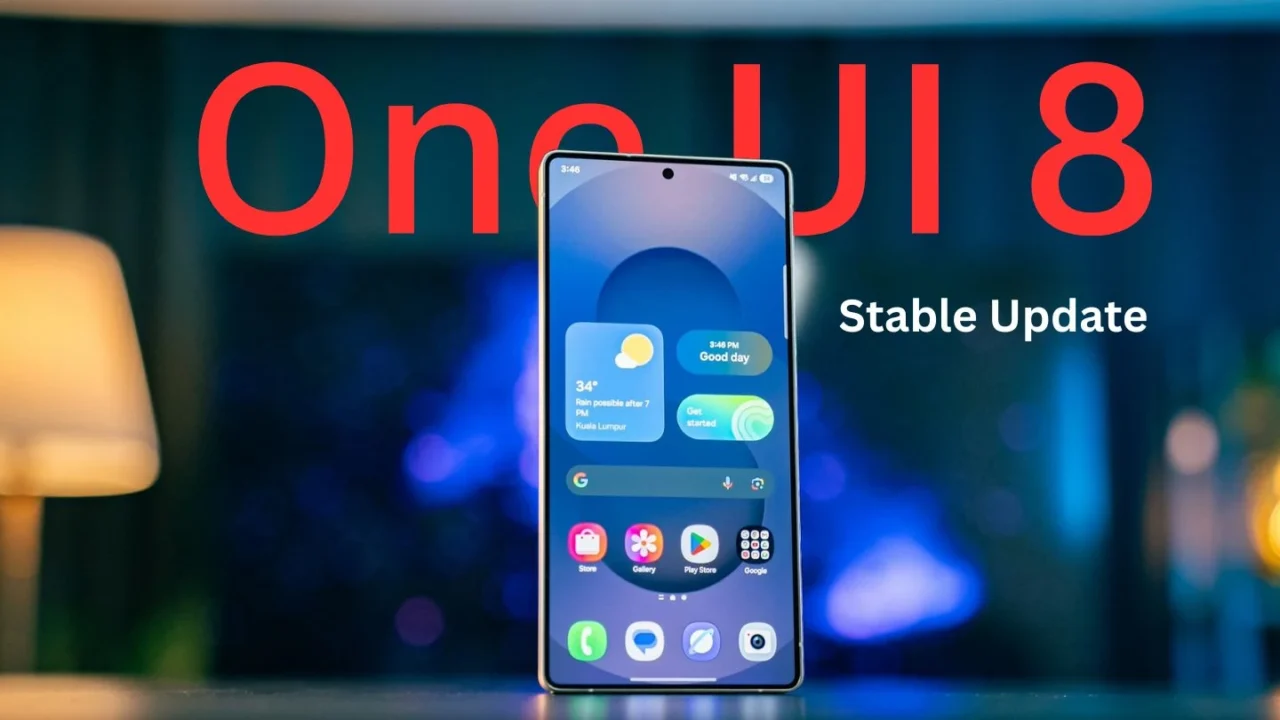
Galaxy S25 series receives stable One UI 8 update
Photo by Amanz on Unsplash

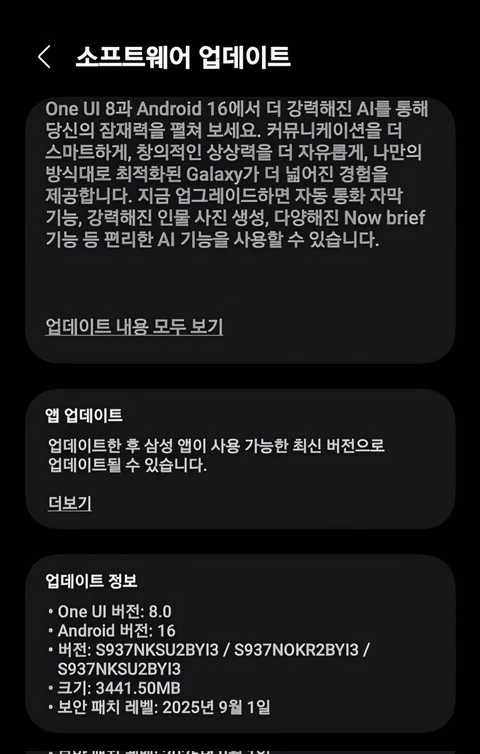
After months of beta testing, Samsung has finally begun rolling out the stable One UI 8 update, based on Android 16 for the Galaxy S25, S25 Plus, S25 Ultra, and S25 Edge. The news comes from popular tipster Tarun Vats, who shared a screenshot of the update on X (formerly Twitter).

The update weighs in at around 555 MB for beta users and 3.9 GB for non-beta users and carries firmware version S938NKSU5BYI3 / S938NOKR5BYI3 / S938NKSU5BYI3. It also includes the September 1, 2025 security patch.
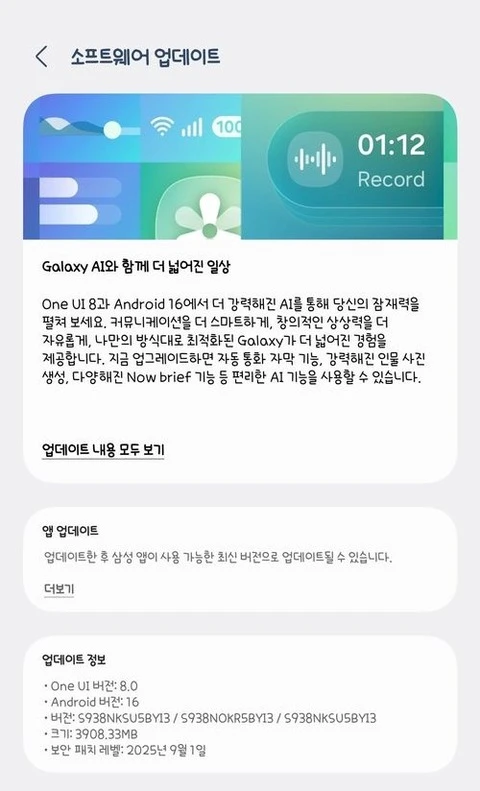
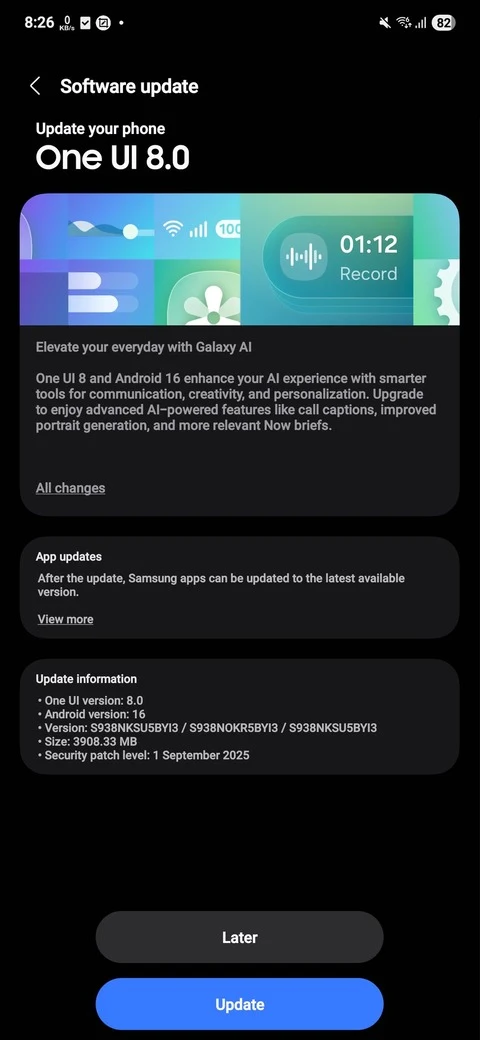
Official One UI 8 update on Galaxy S25 Series
Official One UI 8 update for Galaxy S25 series
Stable One UI 8 update for Galaxy S25 series

Samsung is pushing the update to both beta and non-beta users. At the moment, the official One UI 8 build is live in South Korea, with more regions expected to follow soon. If you own a Galaxy S25 series device, you can manually check for an update by going to: Settings > Software update > Download and install.

Interestingly, right after rolling out the One UI 8 update, Samsung also announced the One UI 8 release schedule for all Galaxy devices.

While One UI 8 isn’t as major an upgrade compared to One UI 7, it does bring several refinements and useful features. Some of the highlights include:

  • A new shifting clock lockscreen widget
  • Improved multitasking with 90:10 split-screen support
  • A redesigned Weather app UI
  • A revamped Quick Share for easier and faster file sharing

Google Preferred Source Badge
TAGGED:Galaxy S25Galaxy S25 EdgeGalaxy S25 UltraStable One UI 8 Update
Share This Article
Facebook Whatsapp Whatsapp Reddit Telegram
ByRahul Rai
Follow:
Rahul Rai is a tech writer with over 5 years of experience covering smartphones, software, and consumer electronics. After starting Gadget Liv in 2019, he went on to write evergreen content at TechWiser before returning to relaunch Gadget Liv in 2025 with a fresh focus on Samsung news and One UI coverage. Rahul is currently pursuing a BCA degree from Manipal University, strengthening his foundation in computer science. His writing is all about clarity, accuracy, and helping Galaxy users stay informed without the fluff. Currently, he owns: Galaxy S23, Galaxy Watch 4, and Samsung TV.
Leave a Comment Leave a Comment

Leave a Reply Cancel reply

Your email address will not be published. Required fields are marked *


New Stories

I tried the viral Fluffy icon setup on my Galaxy phone, and I’m not going back
Samsung is taking lock screen animations to another level with this new update
After a month of using Phone Link with a Galaxy phone, these 3 features stood out to me
One UI 8 just gave my Galaxy Watch 4 a second life: My experience so far
Upcoming Galaxy S26 Ultra display could make privacy screen protectors obsolete
One UI 8 Watch update is creating a headache for many Galaxy Watch users
Why the Now Bar is weirdly placed on some Galaxy phones and how to fix it
Follow US
Gadget Liv (2019 - 2026)
  • Sitemap
  • About
  • Contact
  • Privacy Policy
  • Editorial Policy
Welcome Back!

Sign in to your account

Username or Email Address
Password


Lost your password?