

Gadget LivGadget Liv
  • Galaxy Phones
  • Galaxy Watch
  • Samsung TV
  • One UI
Gadget LivGadget Liv
Search
  • Galaxy Phones
  • Galaxy Watch
  • Samsung TV
  • One UI
Follow US
  • Sitemap
  • About
  • Contact
  • Privacy Policy
  • Editorial Policy
One UINews

Galaxy S24 series receives One UI 8 Beta 3 update

Rahul Rai
Last updated: September 10, 2025
Galaxy S24 series receives stable One UI 8 update
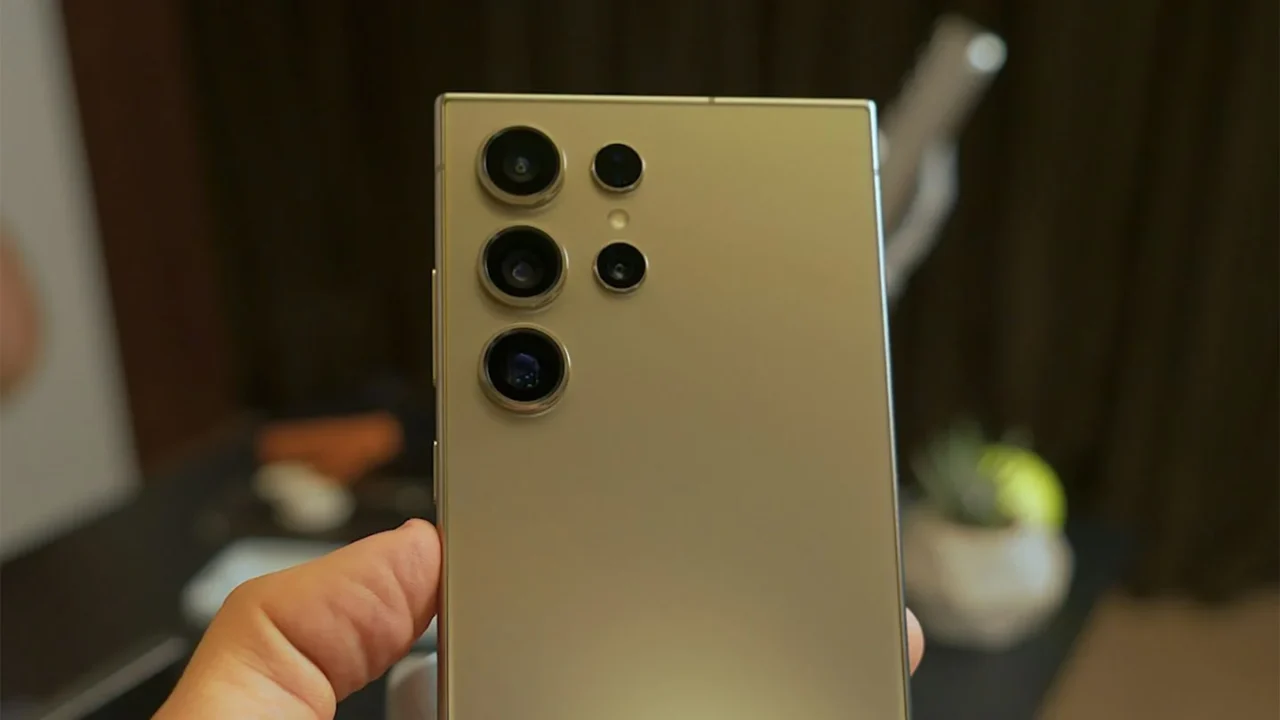
Photo by Onur Binay on Unsplash

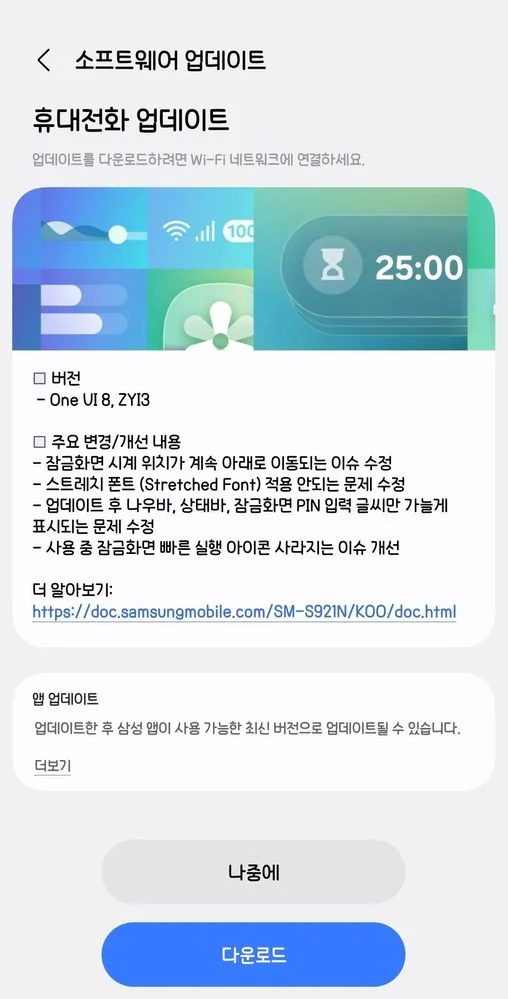
It’s been just two weeks since Samsung rolled out the second One UI 8 beta for the Galaxy S24 series, and now the company has released the third beta update (via @tarunvats33) for the Galaxy S24, S24 Plus, and S24 Ultra. The One UI 8 Beta 3 carries firmware version ZYI3 and mainly focuses on bug fixes and system stability improvements.

The update is currently rolling out in South Korea, with a wider release expected soon. It brings several improvements, including fixes for clock position issues on the lock screen, font application problems, and disappearing icons.
Galaxy S24 series One UI 8 Beta 3 update

Here’s the full changelog:

  • Fixed an issue where the clock position on the lock screen kept moving downward.
  • Fixed an issue where the Stretched Font could not be applied.
  • Fixed an issue where, after the update, only input text was displayed on the navigation bar, status bar, and lock screen PIN input screen.
  • Improved an issue where quick launch icons on the lock screen disappeared during use.

If you own a Galaxy S24 series device and are enrolled in the One UI 8 Beta program in Korea, you can check for the new update by heading to Settings > Software update > Download and install, and then tapping Install now once the download is complete.

With this latest beta release, we’re getting closer to the stable One UI 8 rollout for the Galaxy S24 series, which is expected to arrive either later this month or next. We’ll keep you updated as soon as the stable version goes live.

Google Preferred Source Badge
TAGGED:Galaxy S24One UI 8 BetaSamsung Galaxy
Share This Article
Facebook Whatsapp Whatsapp Reddit Telegram
ByRahul Rai
Follow:
Rahul Rai is a tech writer with over 5 years of experience covering smartphones, software, and consumer electronics. After starting Gadget Liv in 2019, he went on to write evergreen content at TechWiser before returning to relaunch Gadget Liv in 2025 with a fresh focus on Samsung news and One UI coverage. Rahul is currently pursuing a BCA degree from Manipal University, strengthening his foundation in computer science. His writing is all about clarity, accuracy, and helping Galaxy users stay informed without the fluff. Currently, he owns: Galaxy S23, Galaxy Watch 4, and Samsung TV.
Leave a Comment Leave a Comment

Leave a Reply Cancel reply

Your email address will not be published. Required fields are marked *


New Stories

I tried the viral Fluffy icon setup on my Galaxy phone, and I’m not going back
Samsung is taking lock screen animations to another level with this new update
One UI 8 just gave my Galaxy Watch 4 a second life: My experience so far
One UI 8 Watch update is creating a headache for many Galaxy Watch users
Why the Now Bar is weirdly placed on some Galaxy phones and how to fix it
I tried an iOS-style depth effect on my Galaxy phone, and it looks surprisingly good
Google just made Circle to Search way more useful on Android
Follow US
Gadget Liv (2019 - 2026)
  • Sitemap
  • About
  • Contact
  • Privacy Policy
  • Editorial Policy
Welcome Back!

Sign in to your account

Username or Email Address
Password


Lost your password?